 Sony ZV-1F
Film looks for the Sony ZV-1F
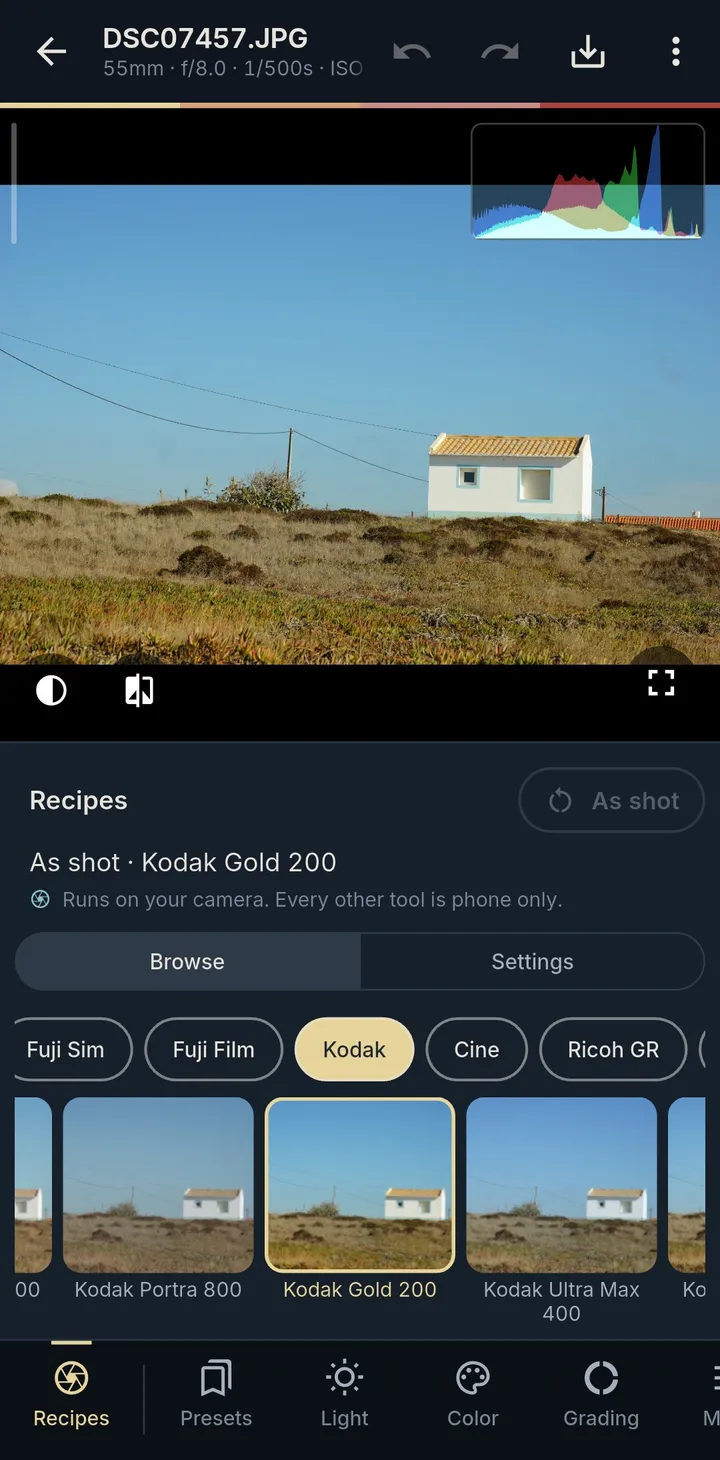
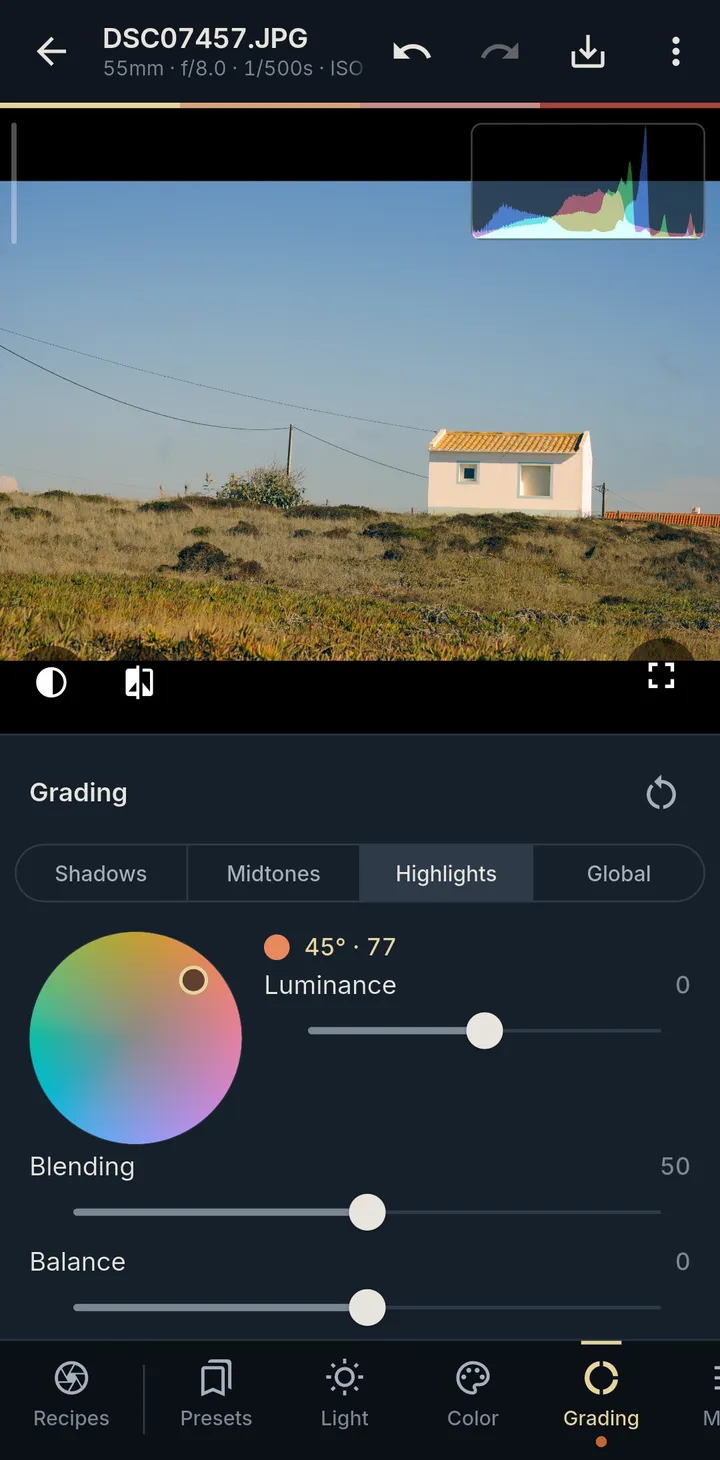
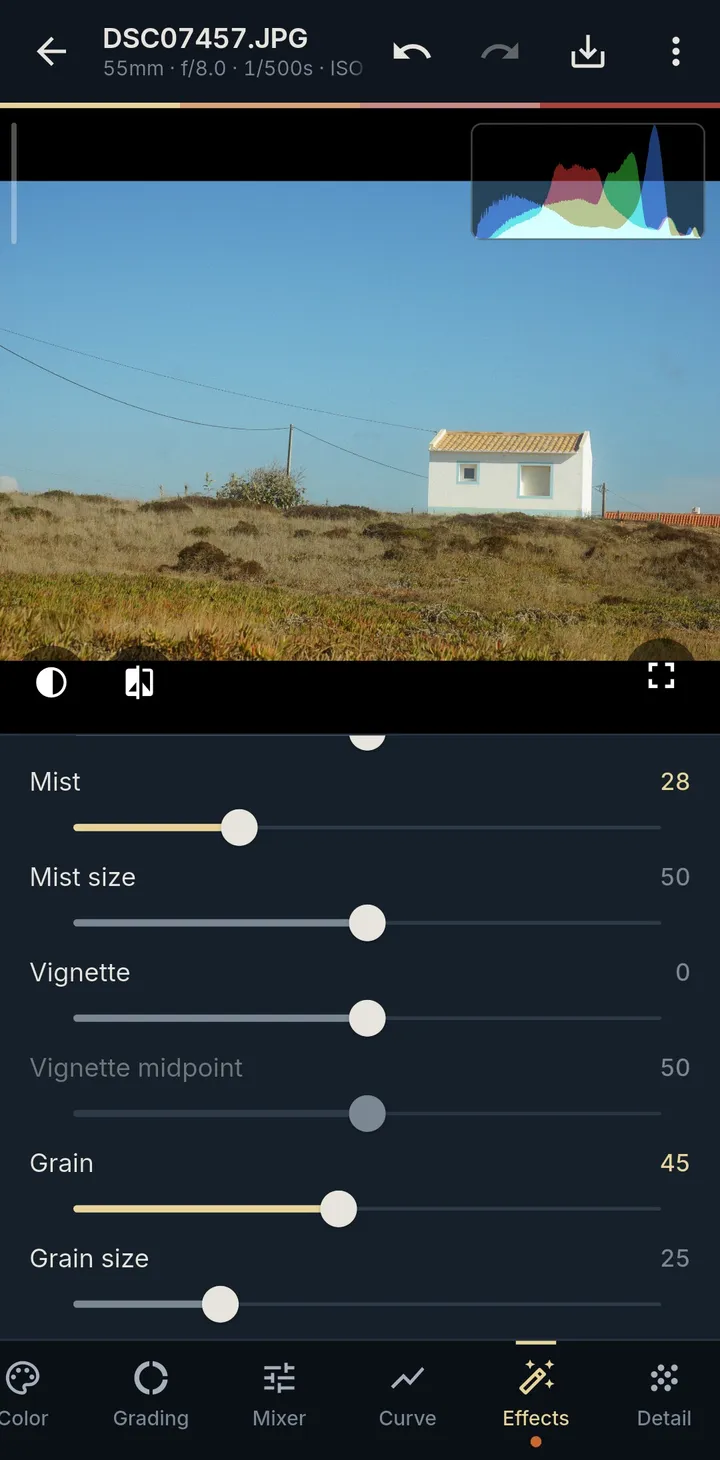
The ZV-1F can't run camera apps, so Recipe Lab can't be installed on it. You can still get the looks: Recipe Lab Studio, our phone app, puts all 88 of them, plus film grain and mist, on the ZV-1F's JPEGs.

The ZV-1F at a glance
- Announced
- 2022
- Sensor
- 1-inch · 20.1 MP
- Built-in looks
- Creative Look
- RAW in Studio
- Not recorded: JPEG only
- Latest firmware
- 2.01
The ZV-1F has Sony's Creative Looks built in, and they shape its JPEGs and video.
It records no RAW, so Studio works on its JPEGs: pick the look after the shot and add the film grain and mist the camera doesn't have.
How it works
- 1
Bring the photos to your phone
With the camera maker's app or a card reader. Studio opens them from your Photos library or Files.
- 2
Pick a look
Every Recipe Lab look is one tap away, inspired by classic film stocks and cameras.
- 3
Finish and export
Add film grain and mist, grade the colour, then export a full-size JPEG that keeps the camera, lens and exposure details.
Looks for the ZV-1F
Browse all 88 looks →
FAQ
Does Recipe Lab work on the Sony ZV-1F?
No. Sony dropped app support after 2016, so nothing can be installed on the ZV-1F. Recipe Lab Studio, our phone app, brings the same looks to its photos instead.
Can I get film looks on photos from the ZV-1F?
Yes, with Recipe Lab Studio on iPhone, iPad or Android. The ZV-1F records no RAW, so Studio works on its JPEGs: move them to your phone with Sony's app or a card reader, pick any Recipe Lab look, then add film grain and mist. One payment, no subscription.
Recipe LabStudio
On iPhone, iPad and Android. One payment, every tool.