Film looks inside your Sony
An app that puts film simulations in your Sony camera.
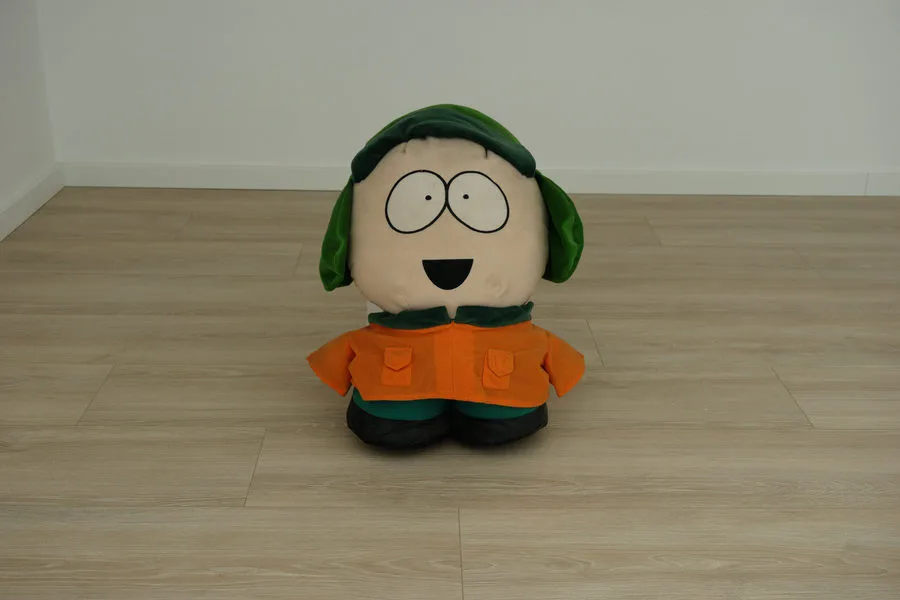
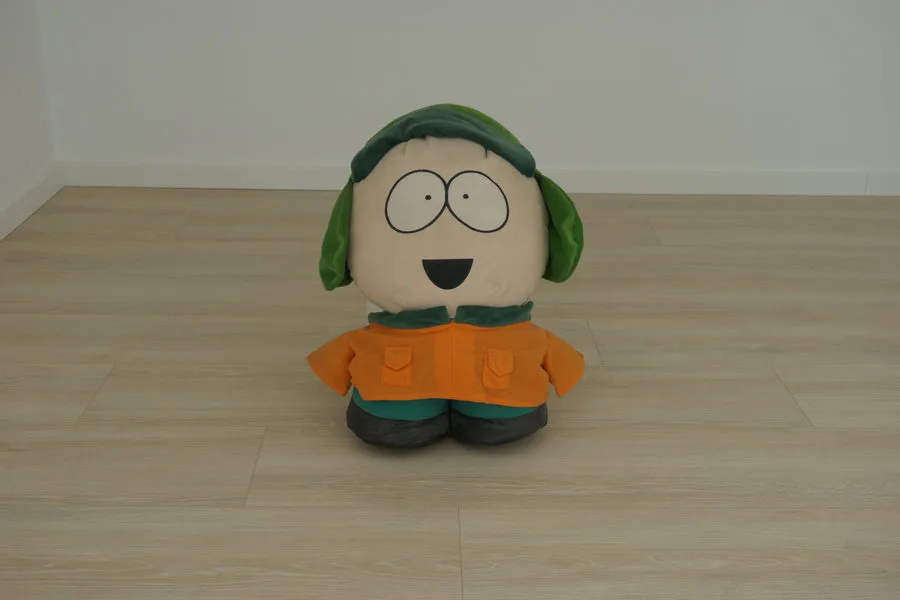
Classic Chrome
Out now
Recipe LabStudio
Our phone app is here. Bring the RAWs off your camera and develop them with the Recipe Lab looks, film grain and mist. On iPhone, iPad and Android.
- Every Recipe Lab look, plus the film grain and mist the camera can't do.
- A full RAW editor: colour grading, masks, spot heal, curves and more.
- Straight off the camera over Wi-Fi, with Transfer to phone in Recipe Lab.
- One payment. No subscription, no account.
Early bird price

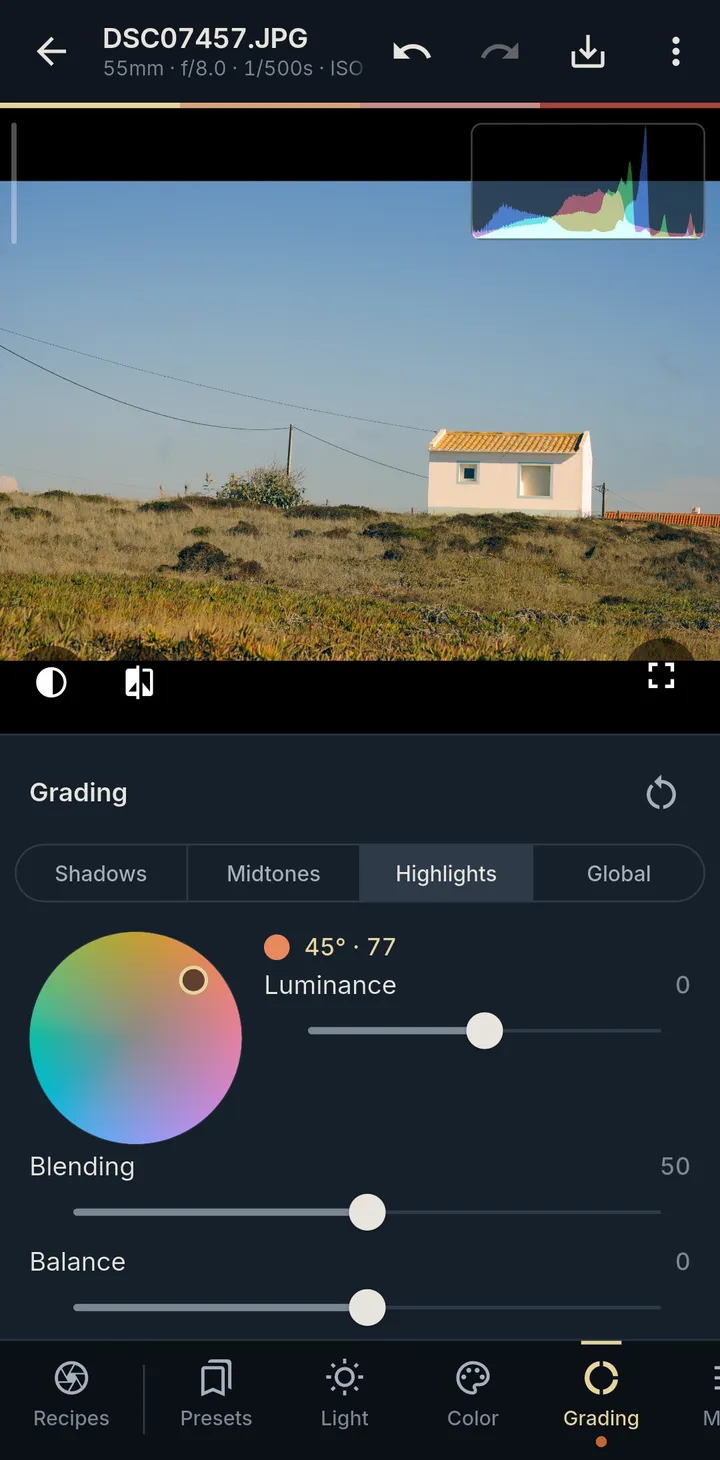
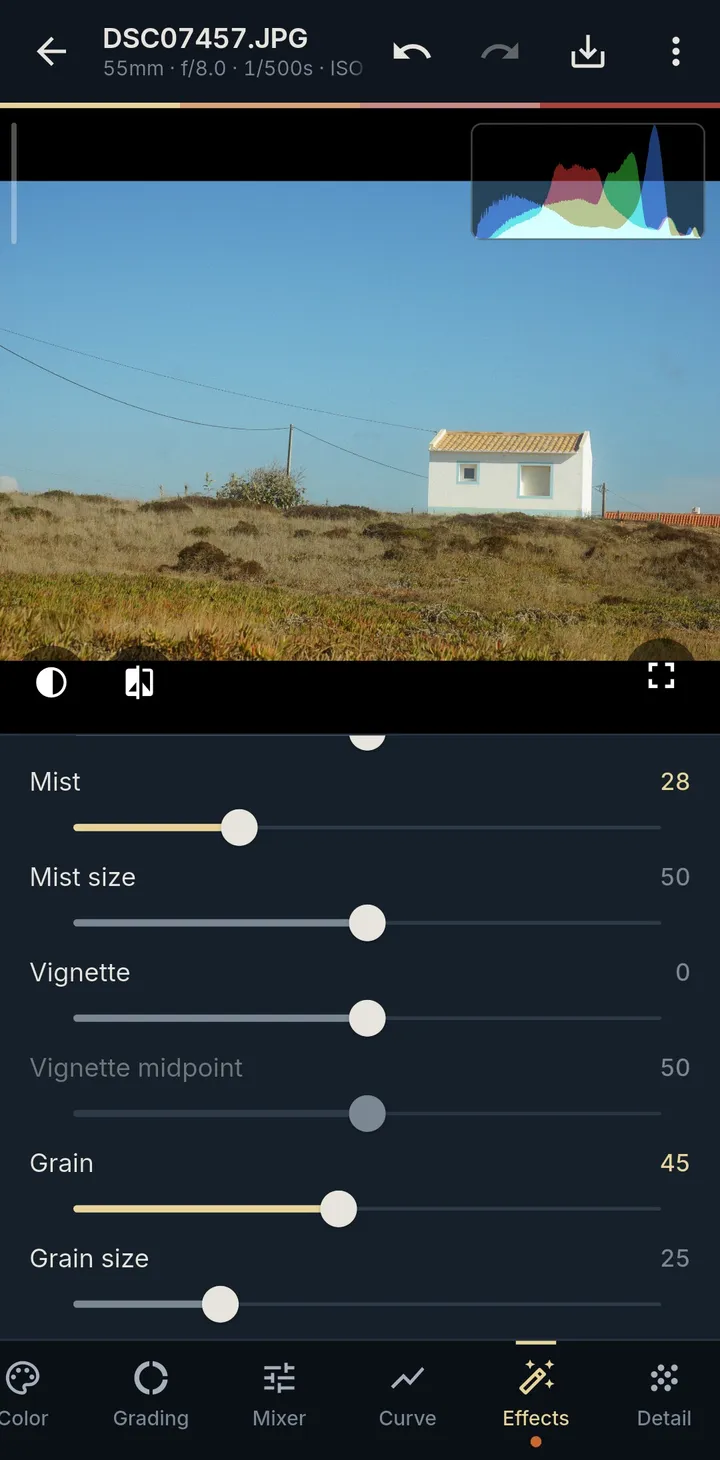
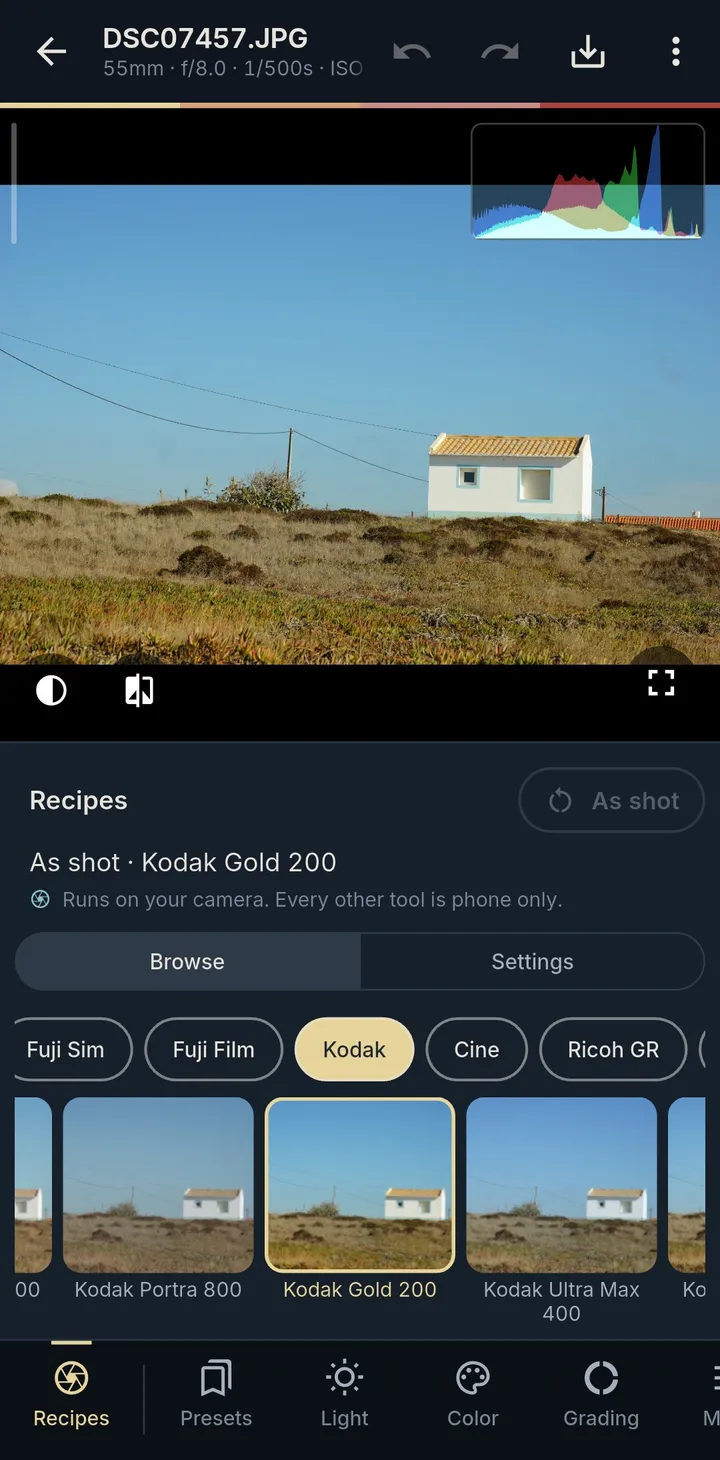
76 Recipe Lab looks
01 The recipes
The looks you love, in the camera you own
Make your Sony shoot like your favourite film stocks and cameras. Same frame and exposure, straight out of camera. Drag to compare, then tweak any recipe or save your own.
02 How it works
Pick a look, then just shoot
Install once
About ten minutes with a computer and the camera's USB cable. After that you never need the computer again.
Turn the wheel
Scroll through the looks and watch them live on the screen and in the viewfinder. What you see is what the camera writes.
Shoot
Leave the app. The look is stored in the camera's own settings, so photo and video keep it, even after you power off.
03 Compatibility
Will it run on my camera?
Recipe Lab runs on Sony cameras that support PlayMemories Camera Apps — roughly 2013 to 2016 bodies.
04 Install
Ten minutes, once
You need a computer and the camera's USB cable once. After that it's just the camera. Prefer video? The walkthrough covers every step.
05 FAQ
Questions people actually ask
Can this damage or brick my camera?
Installing an app is the mechanism Sony itself shipped. No firmware is replaced and nothing is unlocked. Recipe Lab only changes picture settings the camera itself already has. Setup → Setting Reset undoes all of it. Check the app's values against your menus first on a camera that isn't confirmed yet.
Do I need Wi-Fi, a Sony account, or the app store?
No. Sony's app store closed in 2021 and none of this goes near it. The app arrives over the USB cable from your computer.
Will it touch my RAW files?
No. The look is baked into the JPEG and the RAW stays a RAW. Six recipes marked JPEG only use a Picture Effect that the camera only applies to JPEGs; the app asks before switching your quality setting.
Is there a version for the A6400, A7 III or newer?
There can't be: everything Sony released after 2016 has signed firmware and no Application menu. Those cameras have Picture Profiles and Creative Looks built in — the features Recipe Lab exists to make up for on older bodies.
Can it do LUTs, grain or light leaks?
No, on purpose. Recipe Lab never processes an image — it picks camera settings and gets out of the way. That's why the look is live, survives with the app closed and works for video. For grain and mist on your RAWs there's Recipe Lab Studio, our phone app.