 Sony A7 IV
Film looks for the Sony A7 IV
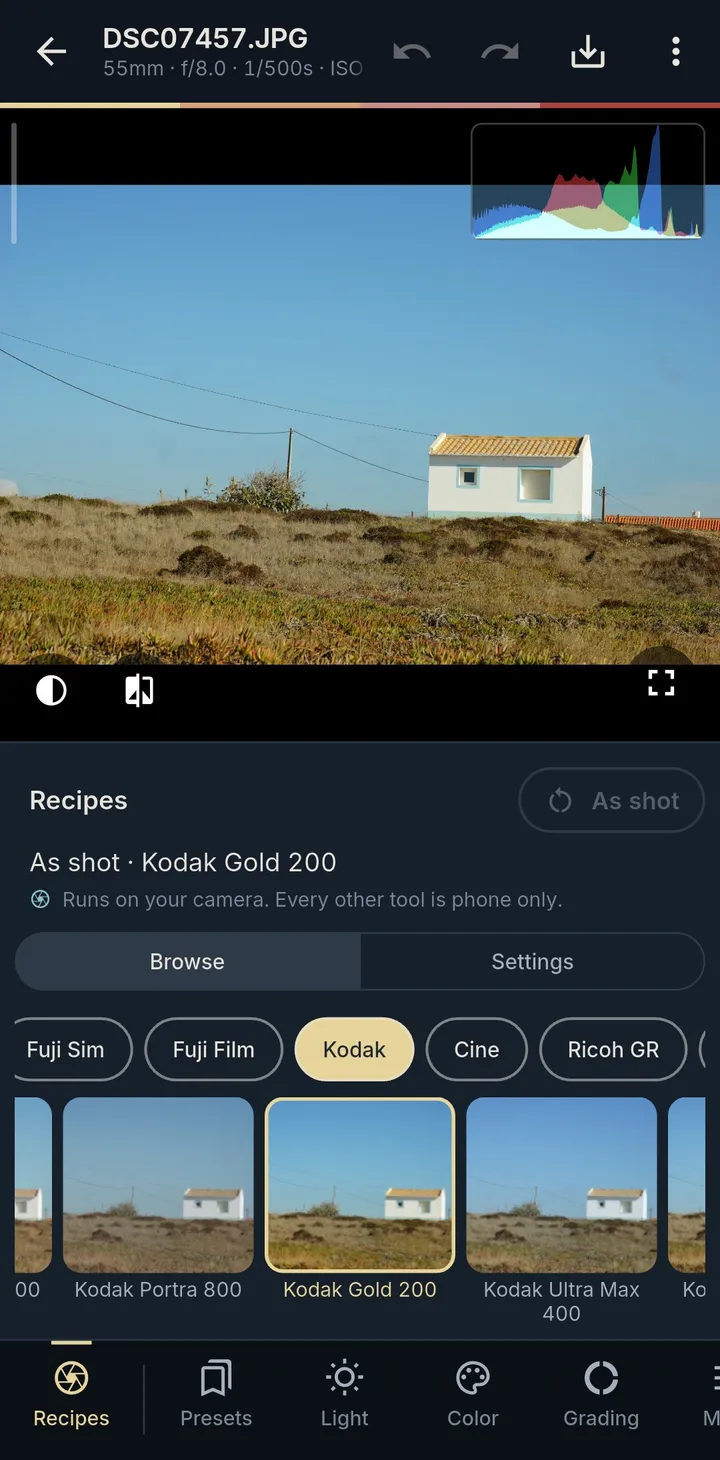
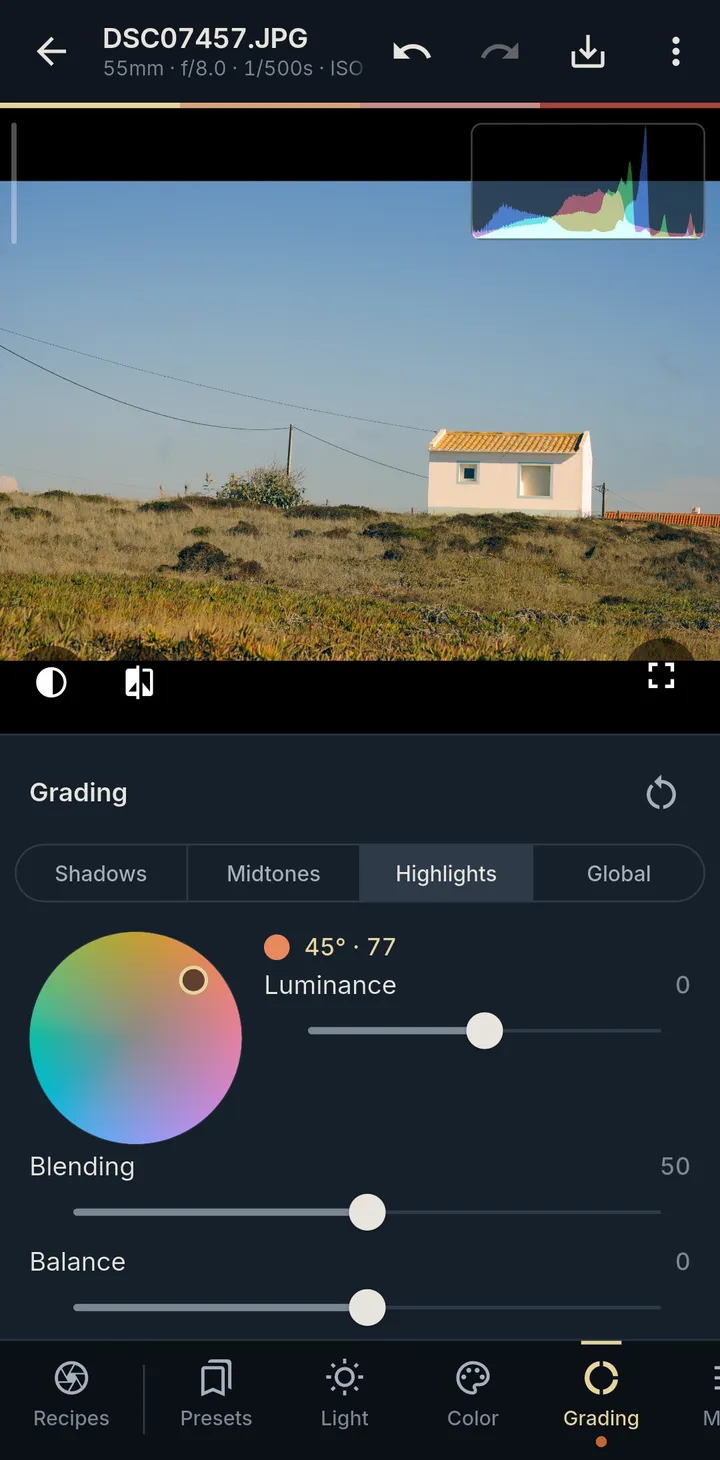
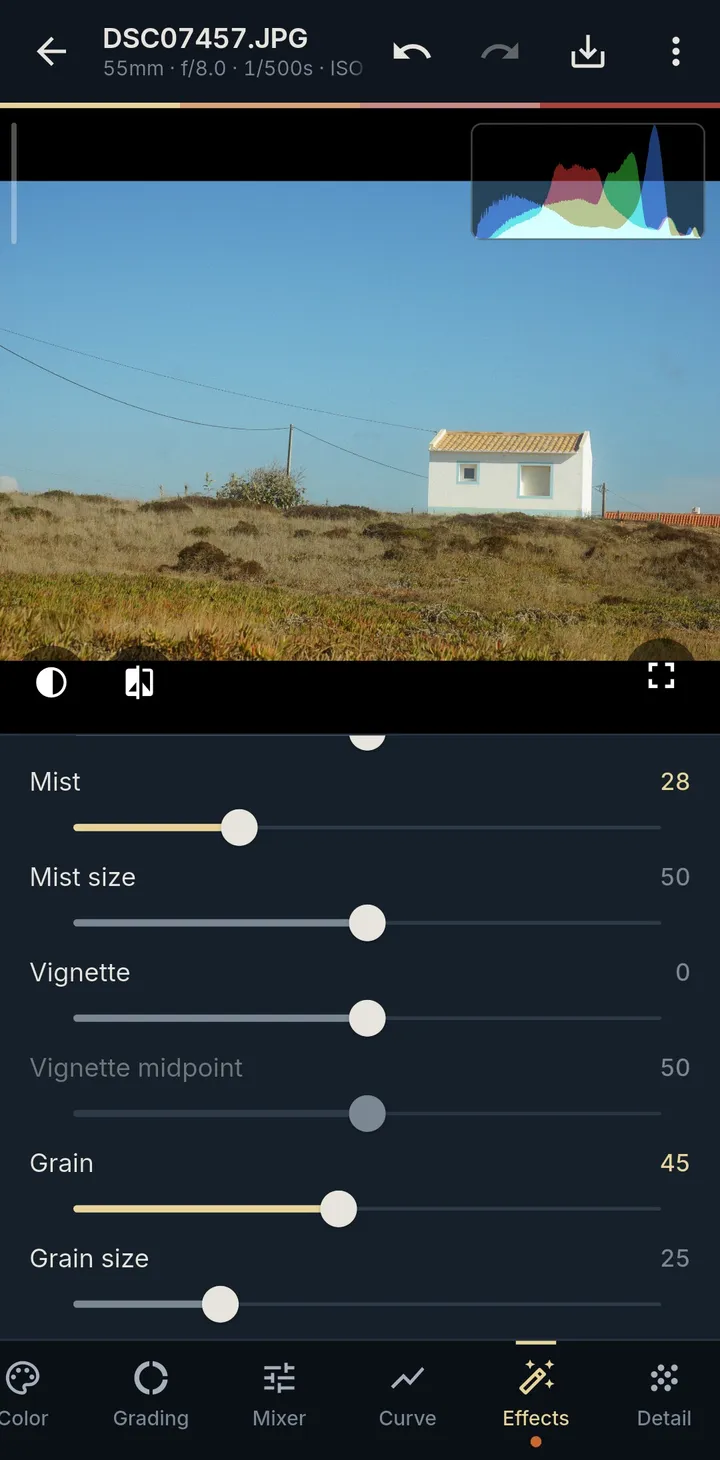
The A7 IV can't run camera apps, so Recipe Lab can't be installed on it. You can still get the looks: Recipe Lab Studio, our phone app, puts all 88 of them, plus film grain and mist, on the A7 IV's RAWs.

The A7 IV at a glance
- Announced
- 2021
- Sensor
- Full frame · 33.0 MP
- Built-in looks
- Creative Look
- RAW in Studio
- Opens (Sony ARW)
- Latest firmware
- 6.02
The A7 IV has Sony's Creative Looks built in, and they shape its JPEGs and video.
Studio develops its RAWs instead, so you pick the look after the shot and add the film grain and mist the camera doesn't have.
How it works
- 1
Bring the photos to your phone
With the camera maker's app or a card reader. Studio opens them from your Photos library or Files.
- 2
Pick a look
Every Recipe Lab look is one tap away, inspired by classic film stocks and cameras.
- 3
Finish and export
Add film grain and mist, grade the colour, then export a full-size JPEG that keeps the camera, lens and exposure details.
Looks for the A7 IV
Browse all 88 looks →
FAQ
Does Recipe Lab work on the Sony A7 IV?
No. Sony dropped app support after 2016, so nothing can be installed on the A7 IV. Recipe Lab Studio, our phone app, brings the same looks to its photos instead.
Can I get film looks on photos from the A7 IV?
Yes, with Recipe Lab Studio on iPhone, iPad or Android. Move the photos to your phone with Sony's app or a card reader, open the RAWs in Studio and pick any Recipe Lab look, then add film grain and mist. One payment, no subscription.
Recipe LabStudio
On iPhone, iPad and Android. One payment, every tool.